Remote Screen Management
Control all screens from one web dashboard with real-time deployment.
Core
Manage kiosks, smart TVs, and tablets remotely. Publish videos, playlists, prompter scripts, timers, and announcements in minutes.
No credit card required · Set up in under 5 minutes
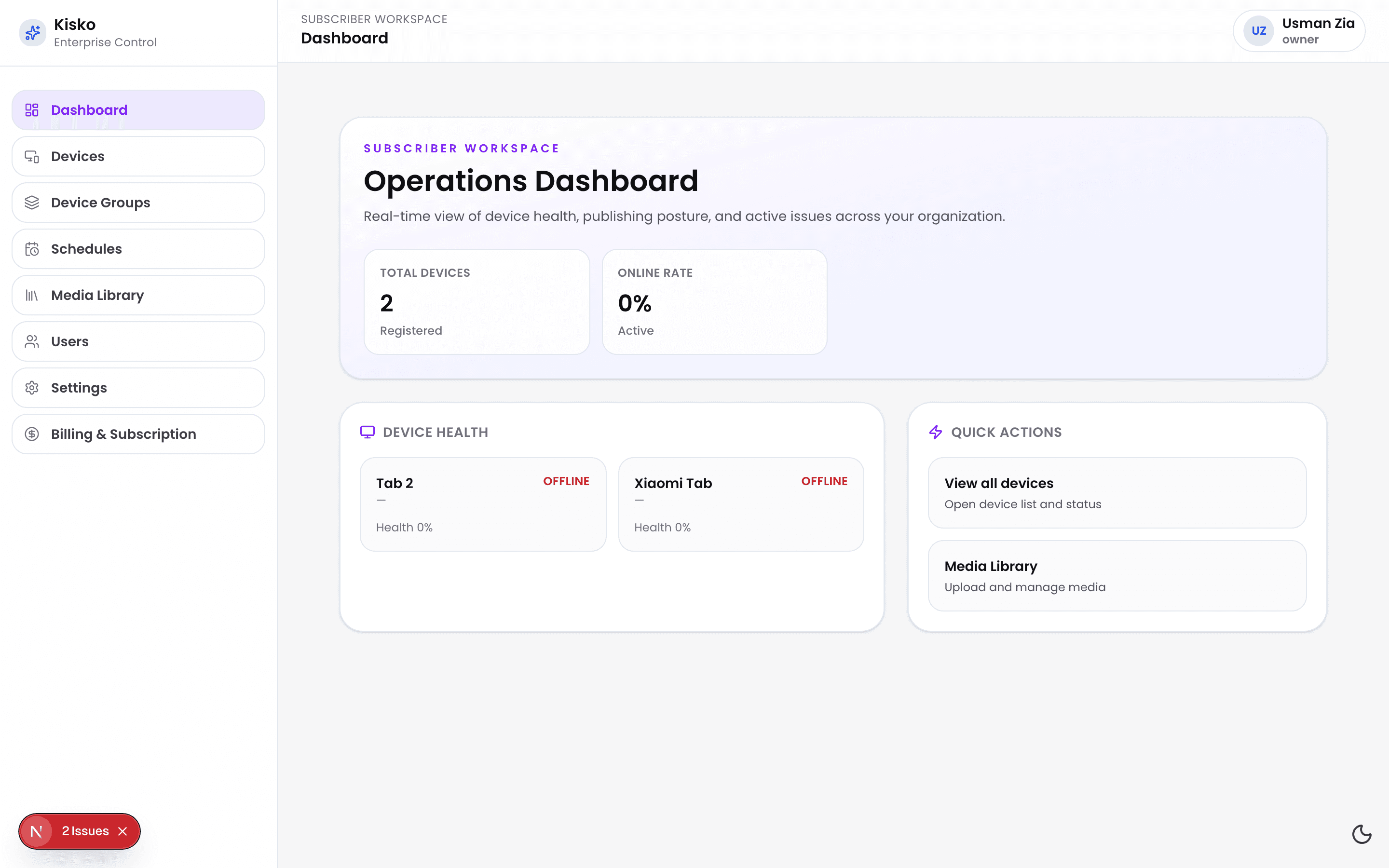
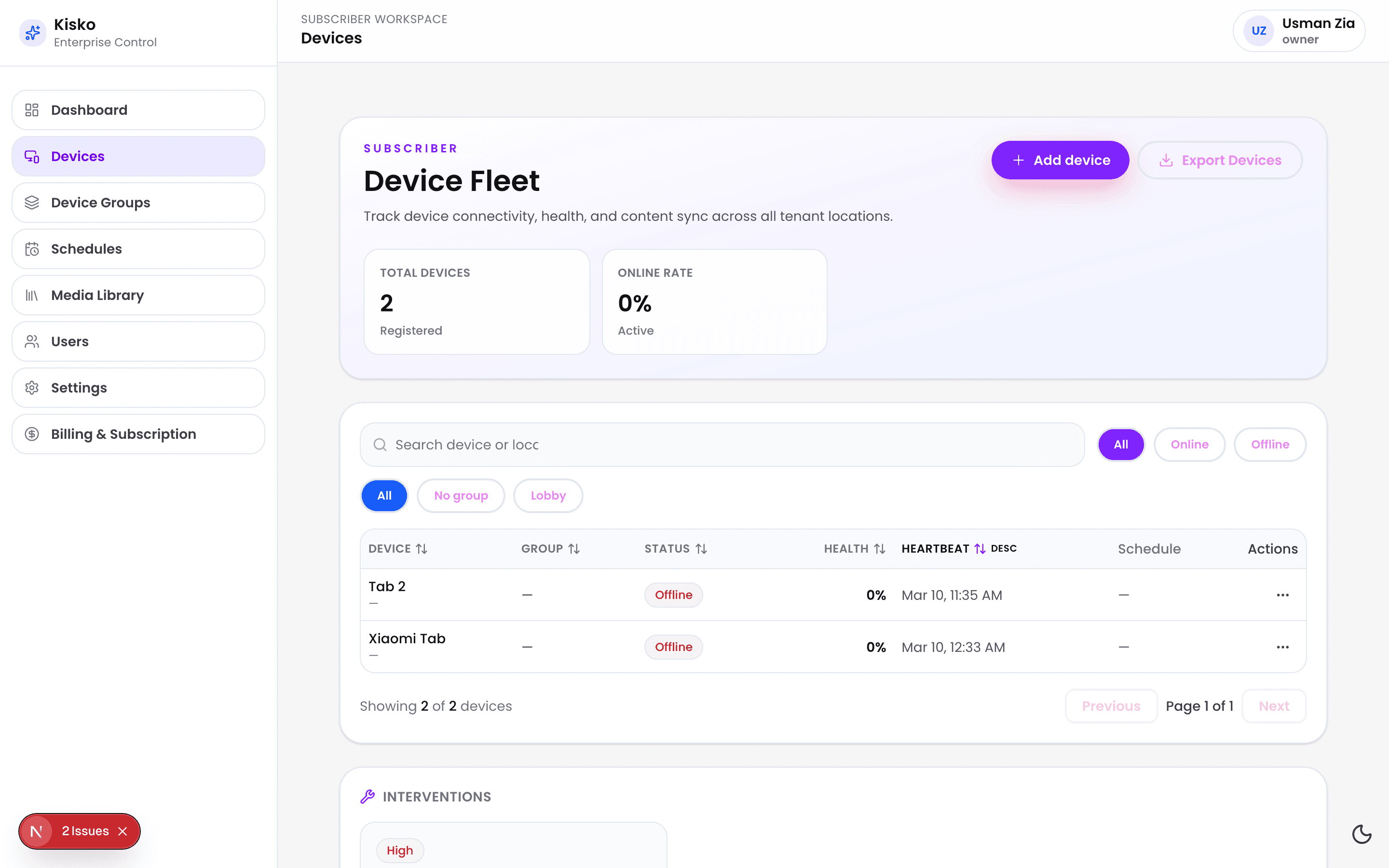
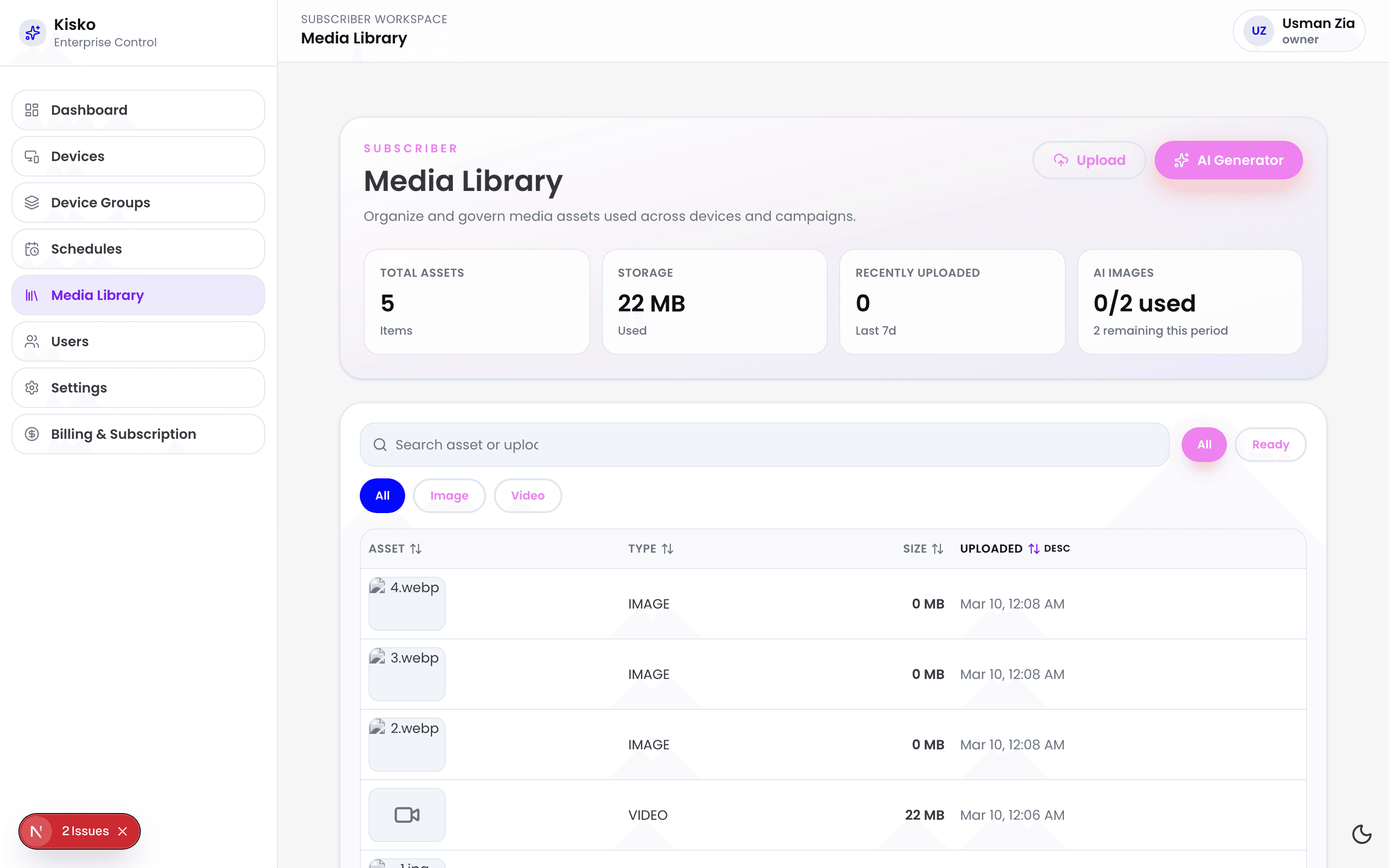
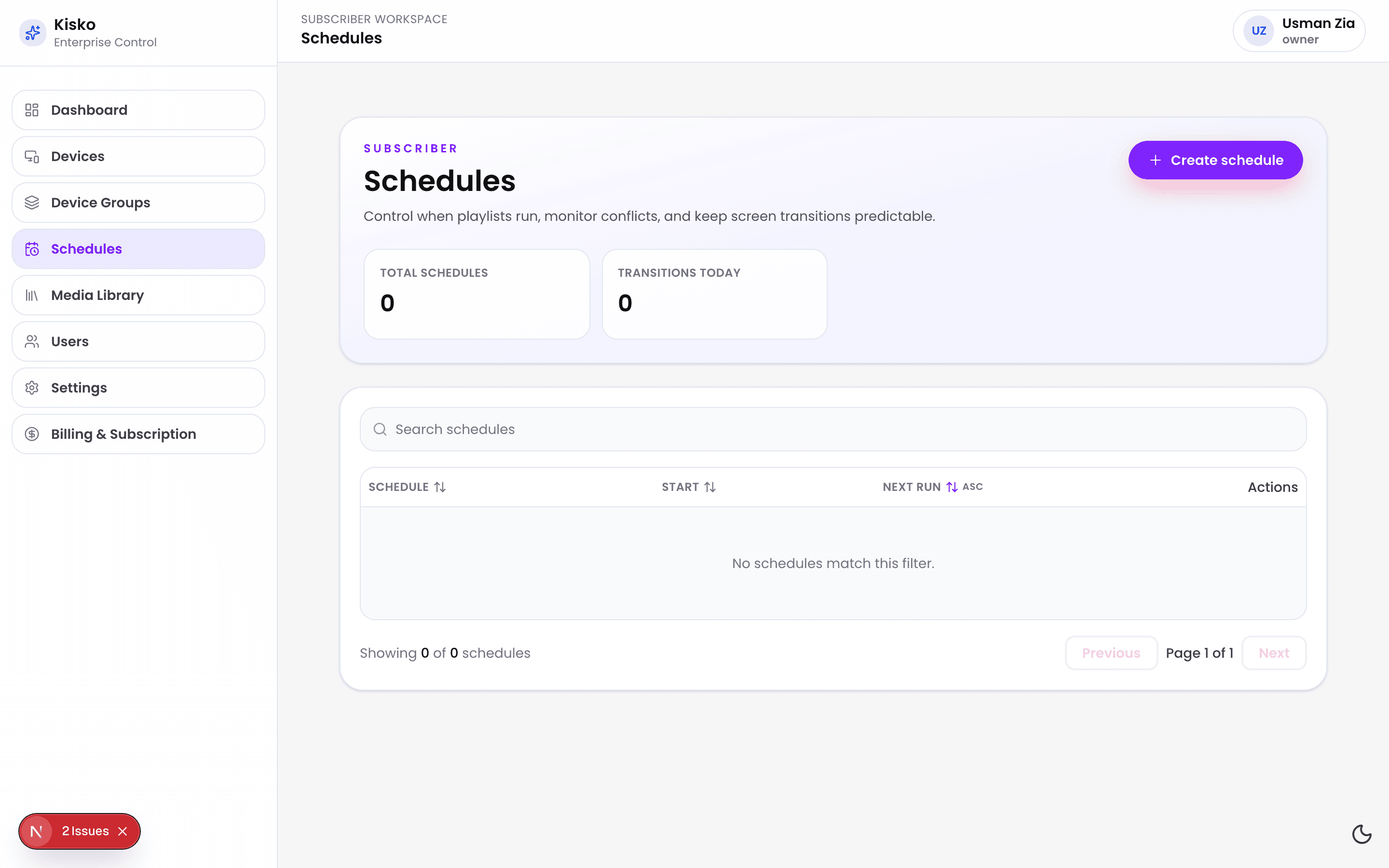
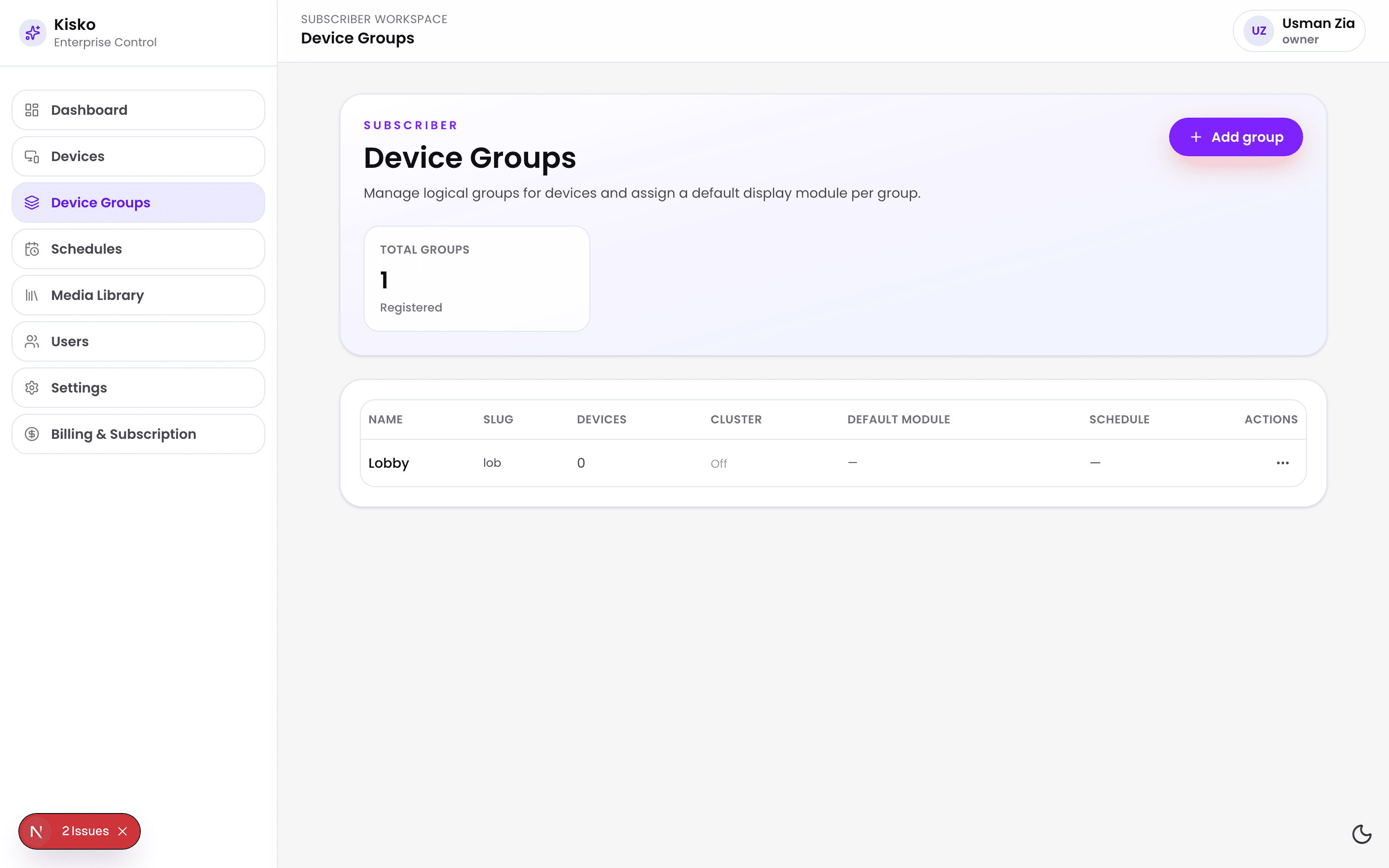
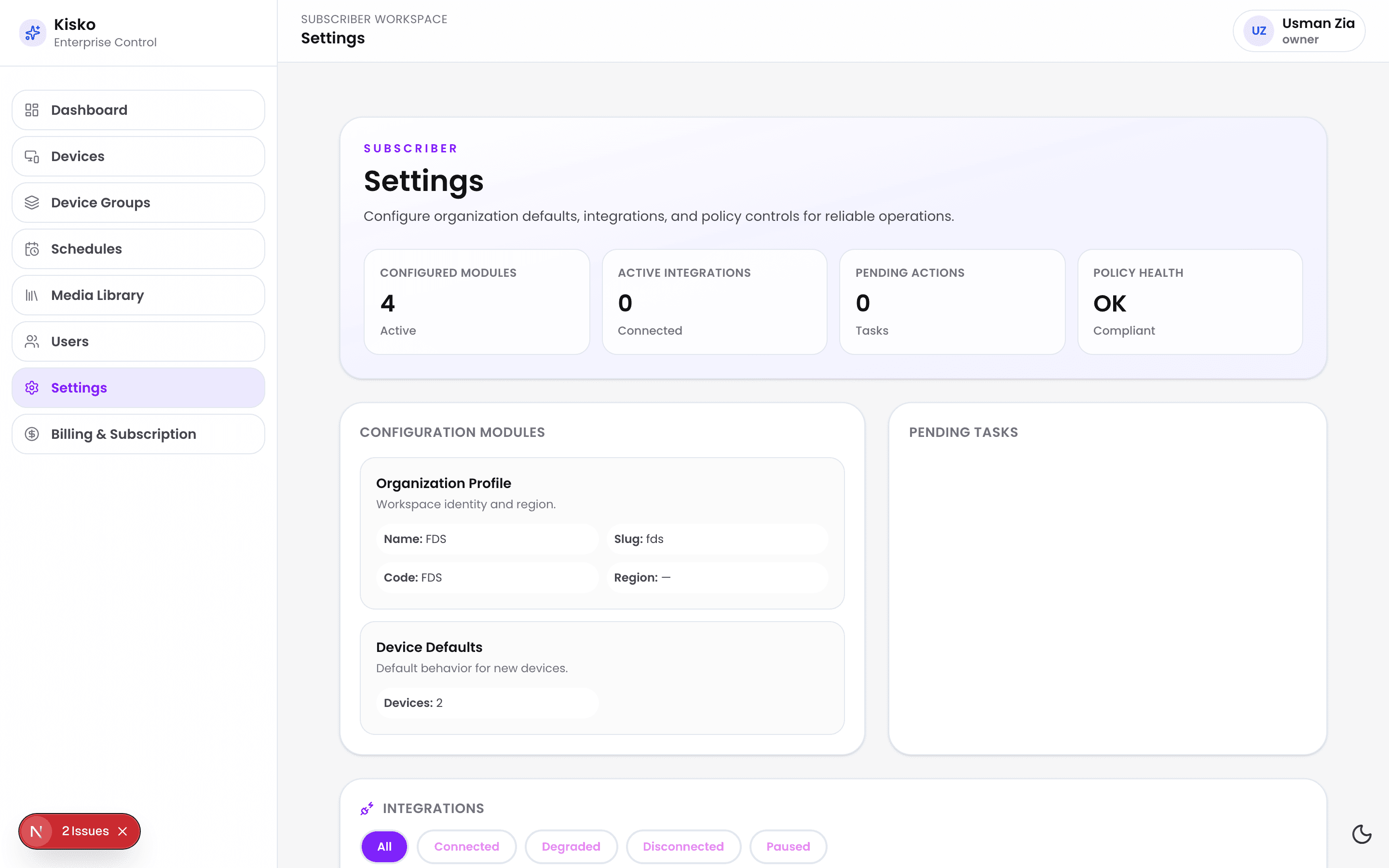
Most teams still rely on USB drives, manual visits, and disconnected tools. Kisko replaces all of that.
Updating content across multiple screens is slow
Remote control is inconsistent
Playback fails during network disruptions
Governance across teams is unclear
Support workflows take too long
Modular playback, governance controls, and real-time visibility in one platform.
Control all screens from one web dashboard with real-time deployment.
Mix video, carousel, timer, and text modules in one flow per location.
Run scripts with smooth speed control and tablet-assisted operation.
GrowthDevices cache media locally and continue playback when internet is unstable.
DifferentiatorSeparate Super Admin and Subscriber responsibilities with policy-driven access.
EnterpriseTrack health, sync status, and playback outcomes by location and device group.
GrowthFrom retail stores to lecture halls, Kisko adapts to your operations.
Launch promotions and seasonal campaigns across stores in minutes.
Broadcast internal updates and KPI dashboards across office lobbies.
Coordinate lecture updates, event notices, and classroom schedules.
Run timers, prompters, and branded visuals for live sessions.
Deliver queue information, service updates, and emergency messaging.
Publish public notices across branches with central governance controls.
Five steps from sign-up to live screens.
Sign up and configure your organization profile.
Install the kiosk app and pair devices with activation codes.
Add images, videos, scripts, and templates to your media library.
Arrange modules in sequence and assign content by screen or group.
Publish by time windows and track playback and health from one dashboard.
Billed monthly
$19
/device plan
Up to 5 devices
5 GB included storage
$69
/device plan
Up to 25 devices
50 GB included storage
$249
/device plan
Up to 100 devices
200 GB included storage
Custom
Talk to sales for custom pricing
Unlimited devices
Custom storage policy
Enterprise plans are designed for organizations operating at national or multi-region scale where governance, security posture, and reliability requirements go beyond standard commercial tiers.
All dashboard and device communication is secured in transit.
Devices continue rendering scheduled content during outages.
Permission boundaries are enforced for Super Admin and Subscriber roles.
Administrative and support actions are retained for accountability.
Media sync includes retries and fallback paths for unstable networks.
“We cut campaign rollout time from two days to under one hour across 34 stores.”
Sara Bennett · Operations Director
Northline Retail Group
“The scheduling and offline behavior made our lecture hall signage reliable during peak weeks.”
David Noor · Campus IT Manager
Riverview University
“Prompter and timer controls let our presenters run sessions without technical interruptions.”
Leila Osman · Event Production Lead
Summit Stage Co.
“We standardized waiting-room updates across all branches and reduced support tickets quickly.”
Harold Kim · Facilities Coordinator
Everwell Clinics
“The platform gave us central oversight while keeping branch-level operations practical for local teams.”
Nadia El-Sayed · Digital Services Manager
City Services Authority
You can choose monthly or annual billing across plans. Adjust plans as your device count and operational needs evolve.
Kisko supports Android TV, Android tablets, and iPad tablets with future expansion for additional smart TV platforms.
Yes. Devices cache approved media and schedule instructions to maintain playback during temporary outages.
Yes. Super Admin and subscriber roles can be configured with scoped permissions for governance and operations.
Yes. Plans can be changed as your device count and operational needs evolve.
A product specialist walks through onboarding, device control, playlists, and governance workflows using your real use-case context.
Most teams can register their first screens and publish a playlist on the same day.
Support level depends on plan tier, from email support to dedicated success management.
Launch your first devices this week and scale to every location with role-based control.